IRS Notice Explainer
Enter the notice number and the date printed on it. See what the IRS is saying, the steps to take, the usual deadline as a calendar date, and what to avoid.
The number is in the top or bottom right corner of the page, starting with CP or LTR.
What it means
What to do
What to avoid
Check that it is real
- The IRS almost always makes first contact by mail. A first contact by text, social media or email asking for personal details is not the IRS.
- The IRS does not ask for payment by gift card, wire or crypto, and does not threaten arrest over the phone.
- Payments go to the United States Treasury, never to a person or a company.
- You can confirm a balance or a notice by signing in to your online account on the IRS website, or by calling the number on the notice after checking it against the IRS website.
Deadlines here are the usual ones; the date printed on your notice is the one that counts. This is general information, not tax or legal advice. Runs in your browser; nothing is sent or saved.
How to use it
Read it, date it, answer it
-
Find the number
It is in the top or bottom right corner of the first page and starts with CP or LTR. Type it in as it appears.
-
Add the notice date
The time to respond runs from the date printed on the notice, not the day it reached you. The tool turns the usual window into a calendar date.
-
Follow the steps
Reply in the way the notice asks, by its date, and keep a copy of everything you send. A short, on-time reply settles most notices.
Keep it going every month
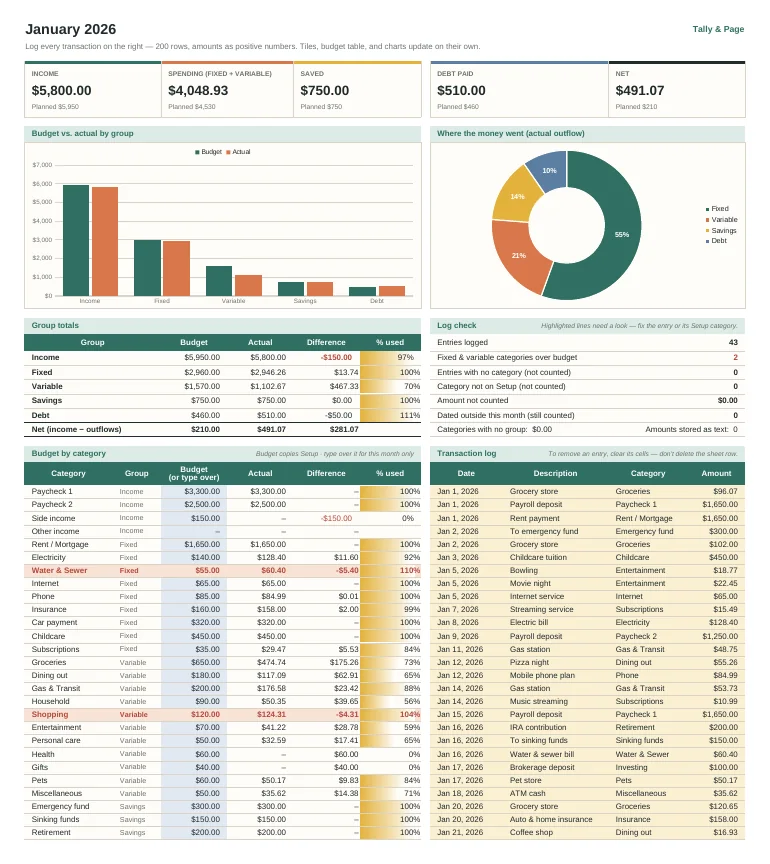
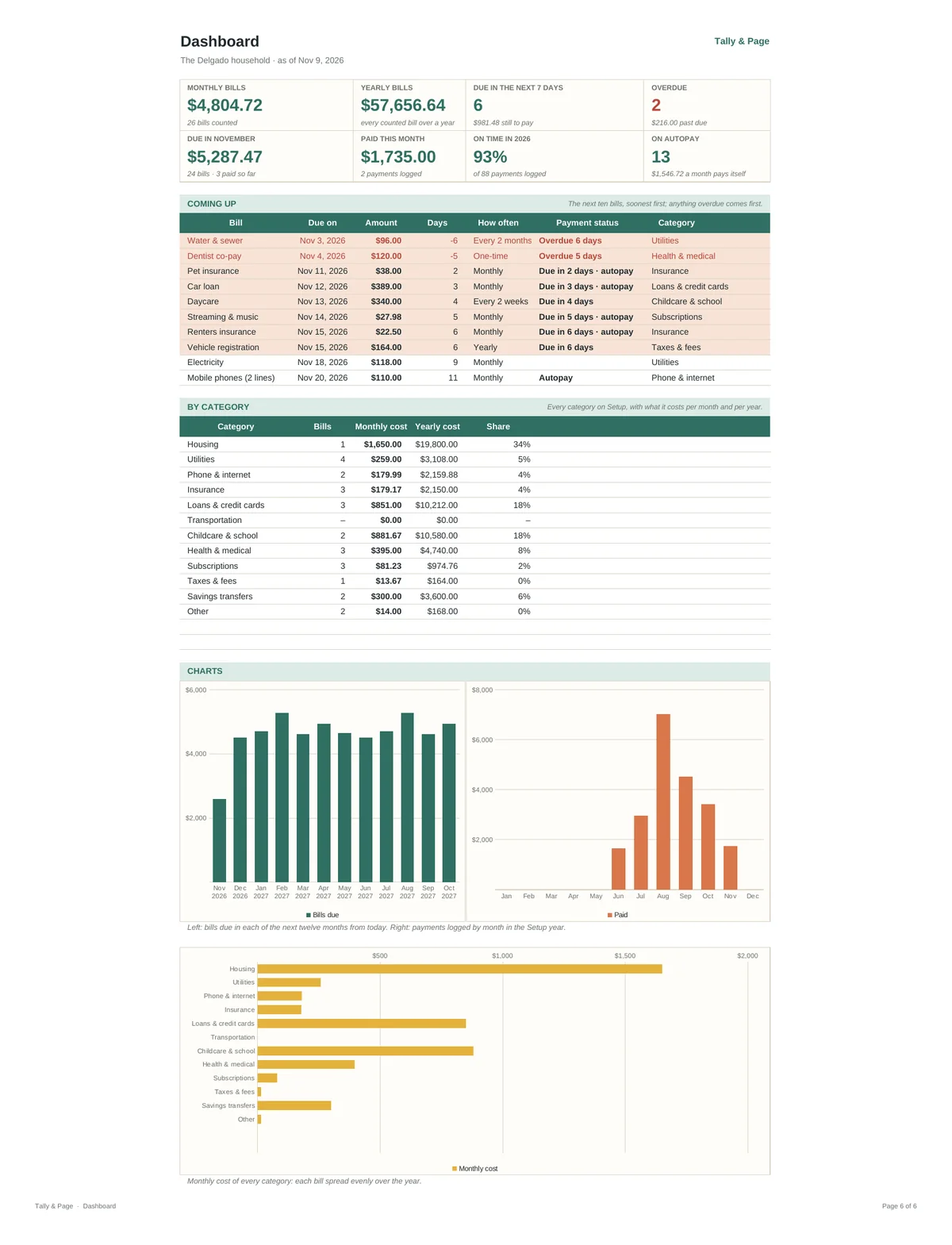
Bill Payment Calendar & Tracker Spreadsheet
Every bill in one place: when each one is due, what is overdue, what the month ahead looks like day by day, and what your bills add up to per month and per year.
- One row per bill, up to 40: rent or mortgage, utilities, phone and internet, insurance, loans and cards, childcare, subscriptions, taxes
- Eight frequencies from weekly to yearly plus one-time; every bill spread into a monthly cost and a yearly cost
- Next due date rolled forward from any due date you enter, days until it, and a flag inside your reminder window
- Payment status on every bill: Paid, Due today, Due in N days, Overdue N days, or Autopay
- Calendar tab: how many bills are due each day and the total, today marked, any month you choose; every bill due that month listed in date order
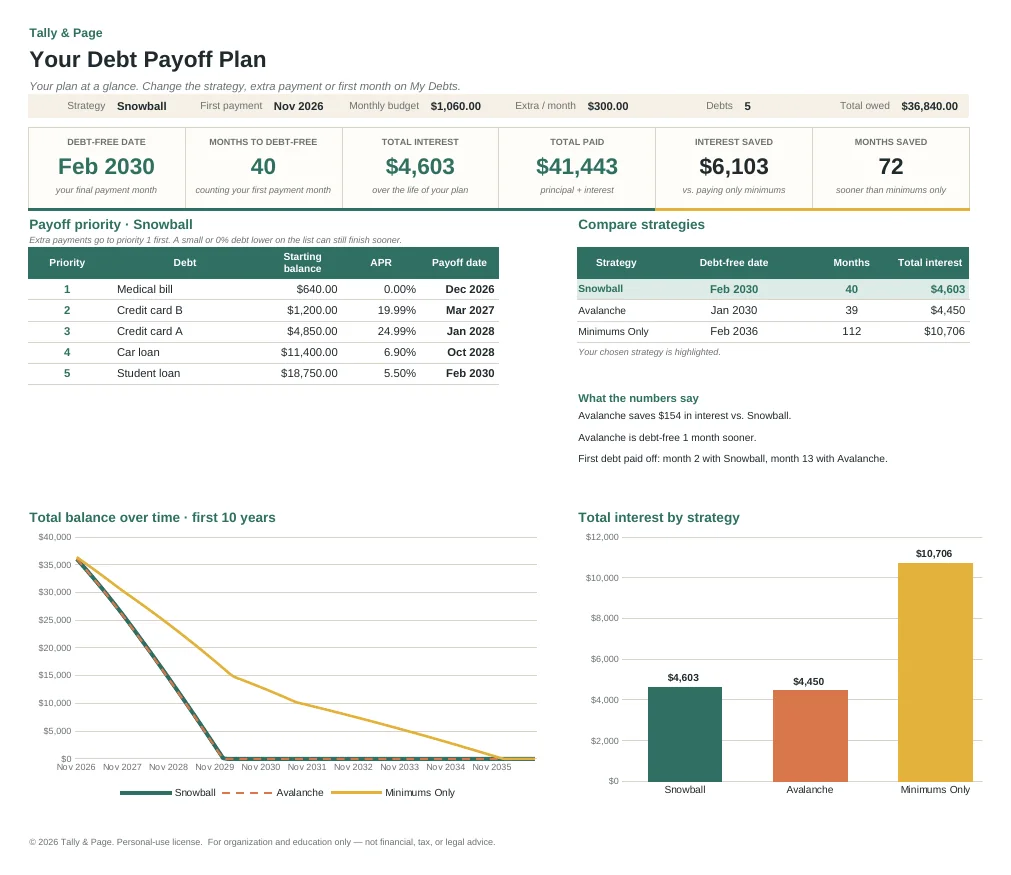
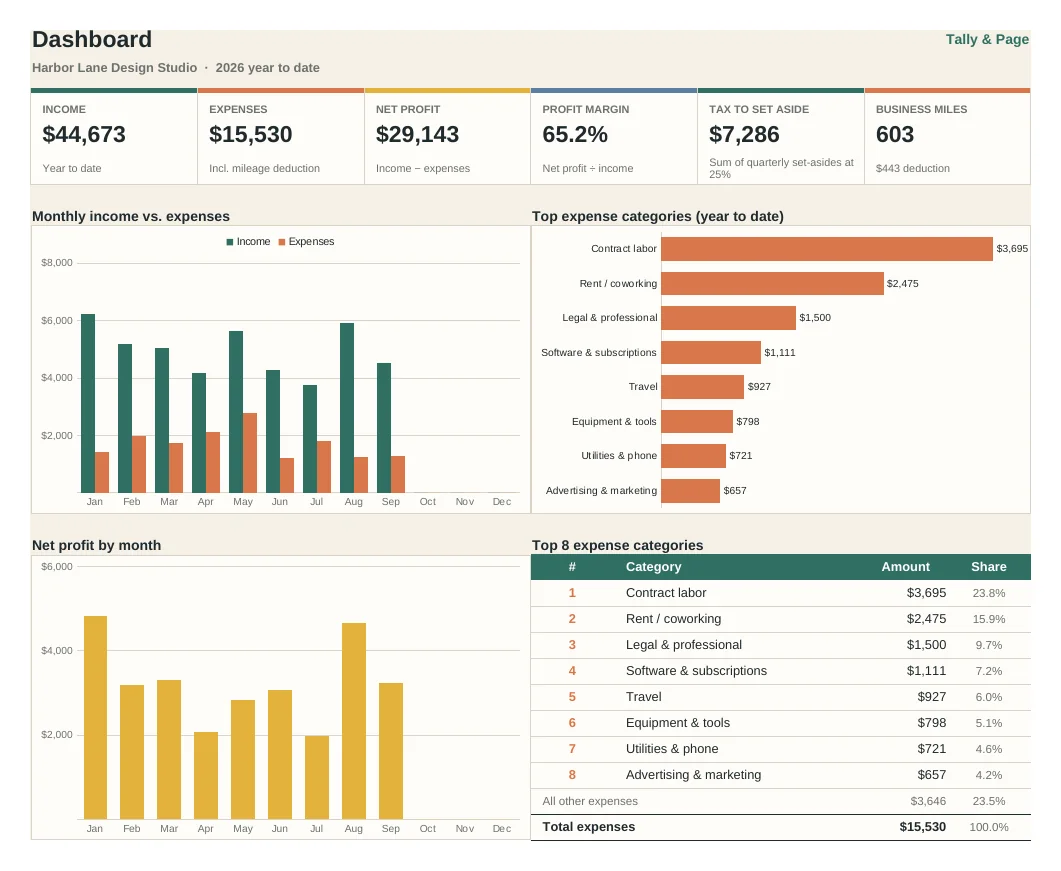
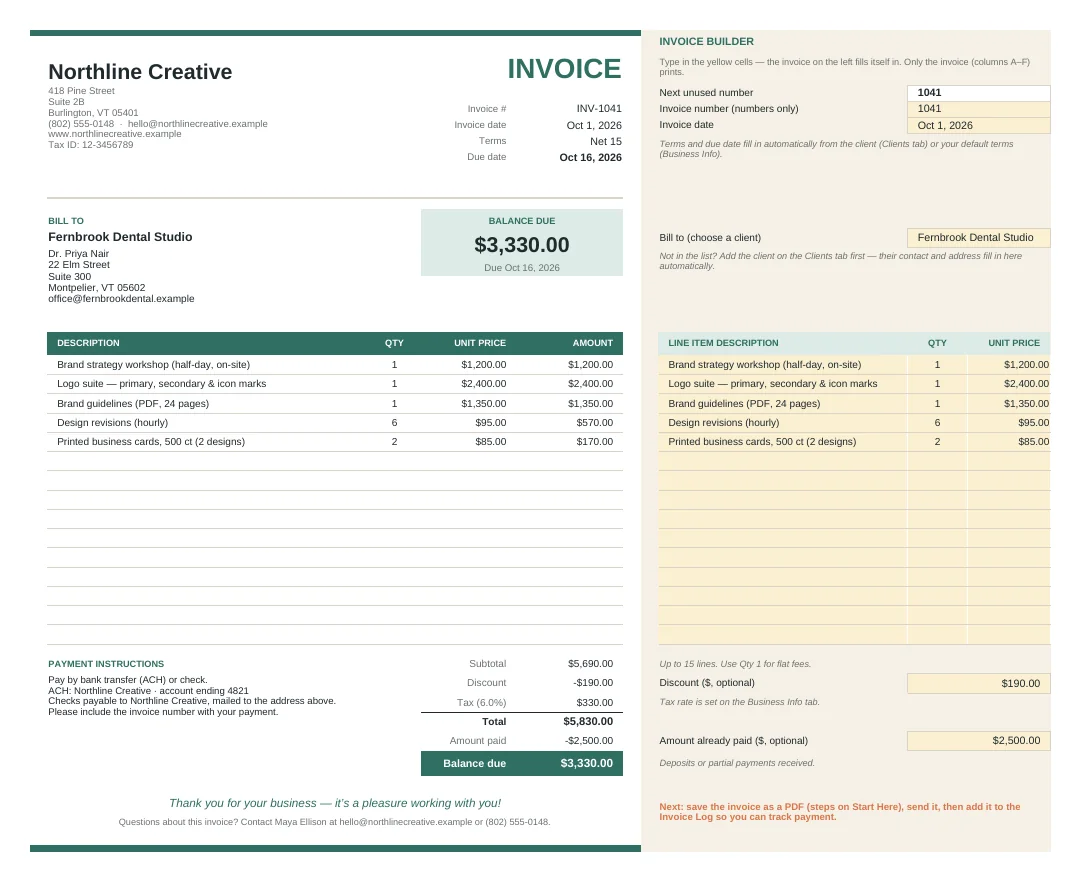
Get the kit: this spreadsheet and the rest of the Personal Finance Kit (5 products, one download), for $29.
Questions
Good to know
Is a notice the same as an audit?
Usually not. Most notices are about a balance, a correction or a mismatch with a form a payer sent. An audit letter says the return has been selected for examination.
What if I cannot pay the amount?
Reply anyway. The IRS has payment plans and can delay collection in a hardship. Interest keeps running, but replying keeps your options open.
What if I disagree?
Say so in writing by the date on the notice and include copies of the records that support you. Each notice explains how to dispute it.
How do I know the notice is real?
The IRS almost always starts by mail. You can check a balance or a notice in your online account on the IRS website. A caller who demands gift cards, a wire or crypto is not the IRS.
More free tools
Try another one
More templates