Monthly Budget Calculator
Enter what you bring home each month. Get the needs, wants and savings split right away, or plan every dollar and watch the amount left fall to zero.
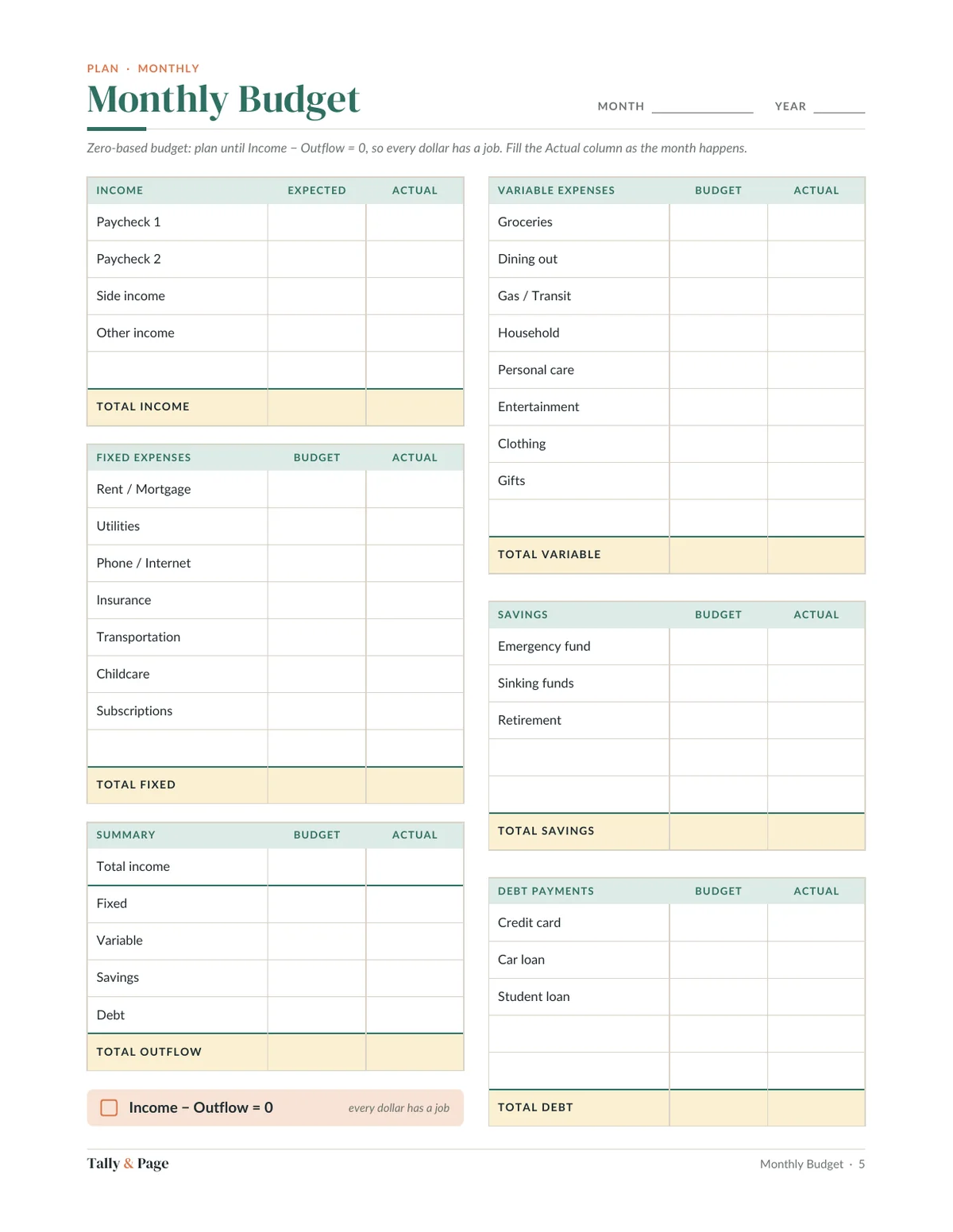
Give every dollar a job. Enter what you plan for each group until the amount left is zero.
Runs in your browser. Nothing you type is sent or saved.
How to use it
From a split to a plan
-
Start with take-home
Use what lands in your account after tax and deductions, not your salary. If it changes month to month, use a low month.
-
Check the split
50/30/20 is a starting point: half to needs, 30% to wants, 20% to savings and extra debt payments. High rent? Borrow from wants before you borrow from savings.
-
Go zero-based
Switch methods, type a plan for fixed bills, variable spending, savings and extra debt payments, and adjust until the amount left to assign is zero.
Keep it going every month
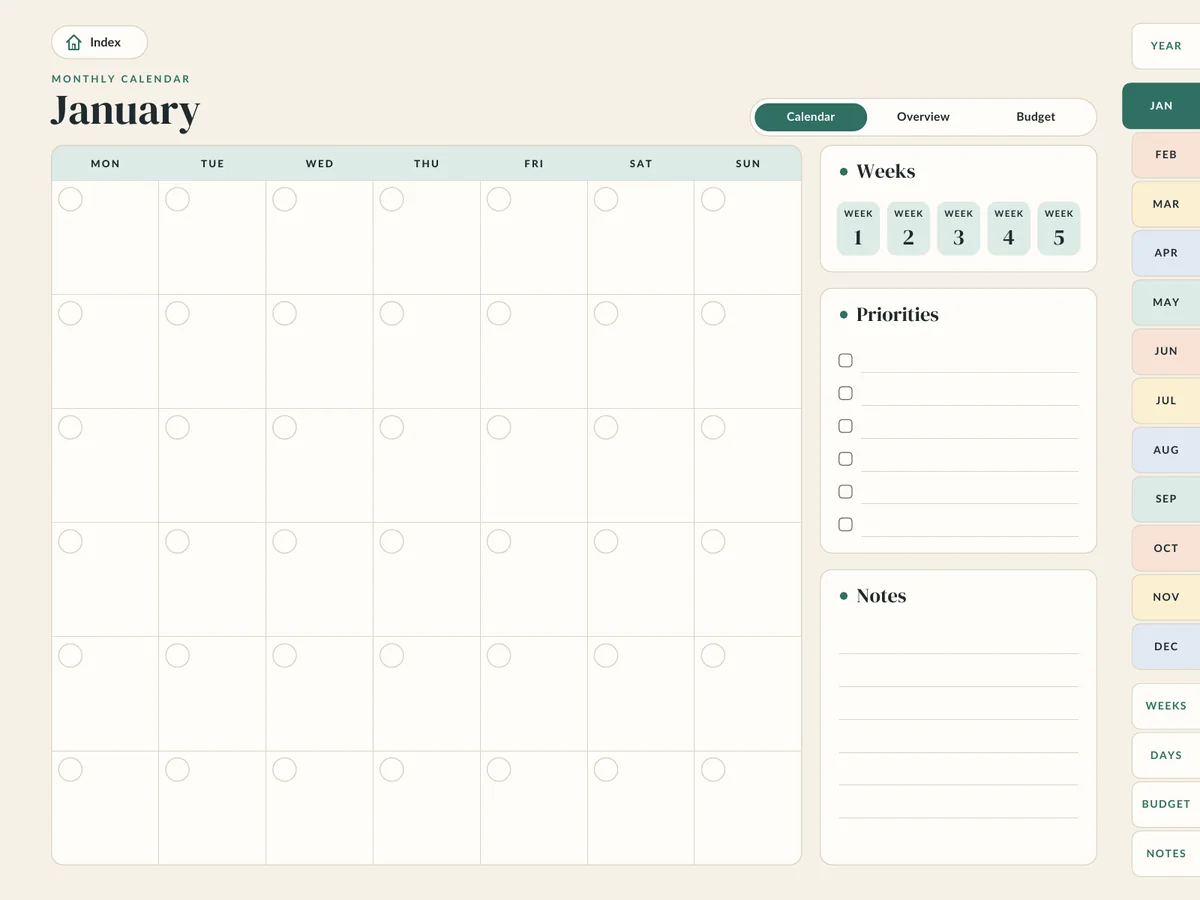
Monthly Budget Planner Spreadsheet
Give every dollar a job, month by month, with a year dashboard that fills itself in.
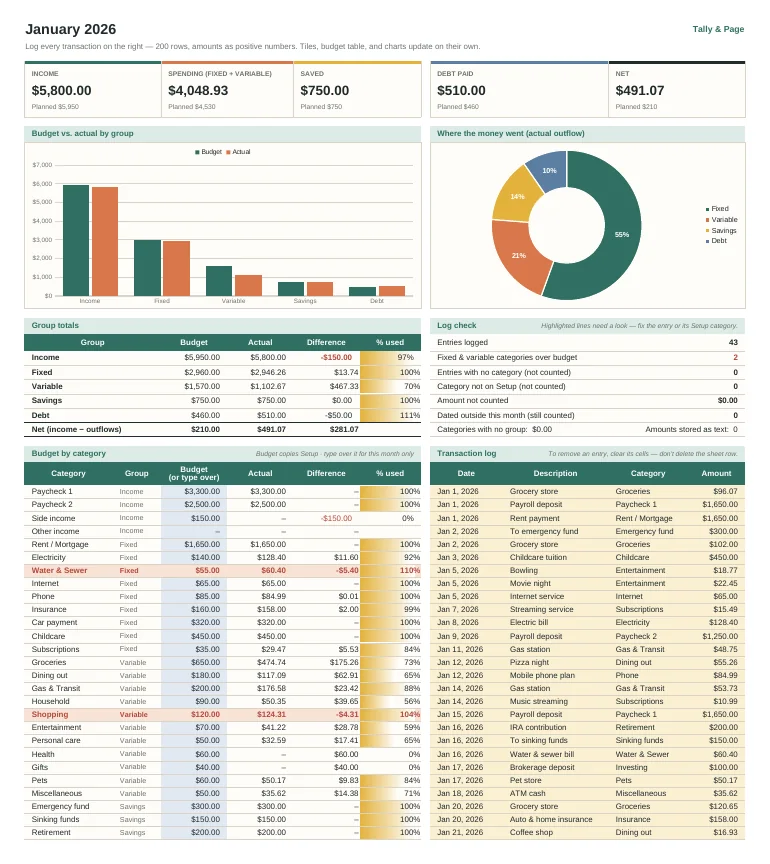
- 12 monthly tabs with budget vs. actual for up to 40 categories
- A 200-row transaction log on every month; choose the category from a dropdown
- Over-budget categories flag themselves, with % used for every category
- Summary tiles for income, spending, saved, debt paid, and net
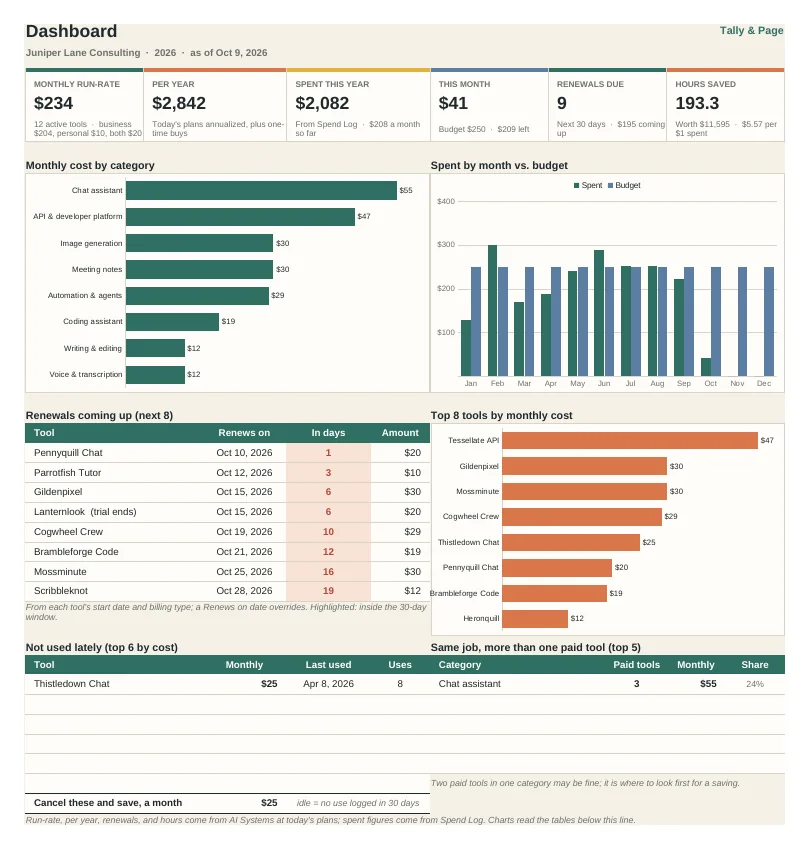
- Year dashboard with month-by-month totals and your savings rate
Or get it in the Money & Business Planning Bundle with the other templates, for $39.
Questions
Good to know
What counts as a need?
Anything you must pay to keep life running: housing, utilities, groceries, insurance, transport to work, minimum debt payments. Everything else is a want, however much you like it.
Is 20% to savings realistic?
Not for everyone right away. Start with whatever is left after needs and the wants you keep, then raise it a little each month. The spreadsheet below shows the trend so the number keeps moving.
Does this tool save my numbers?
No. It runs entirely in your browser and nothing is sent or stored. Close the tab and it is gone, which is why a budget you keep belongs in a file you own.
More free tools
Try another one
More templates