Social Media Content Calendar Spreadsheet
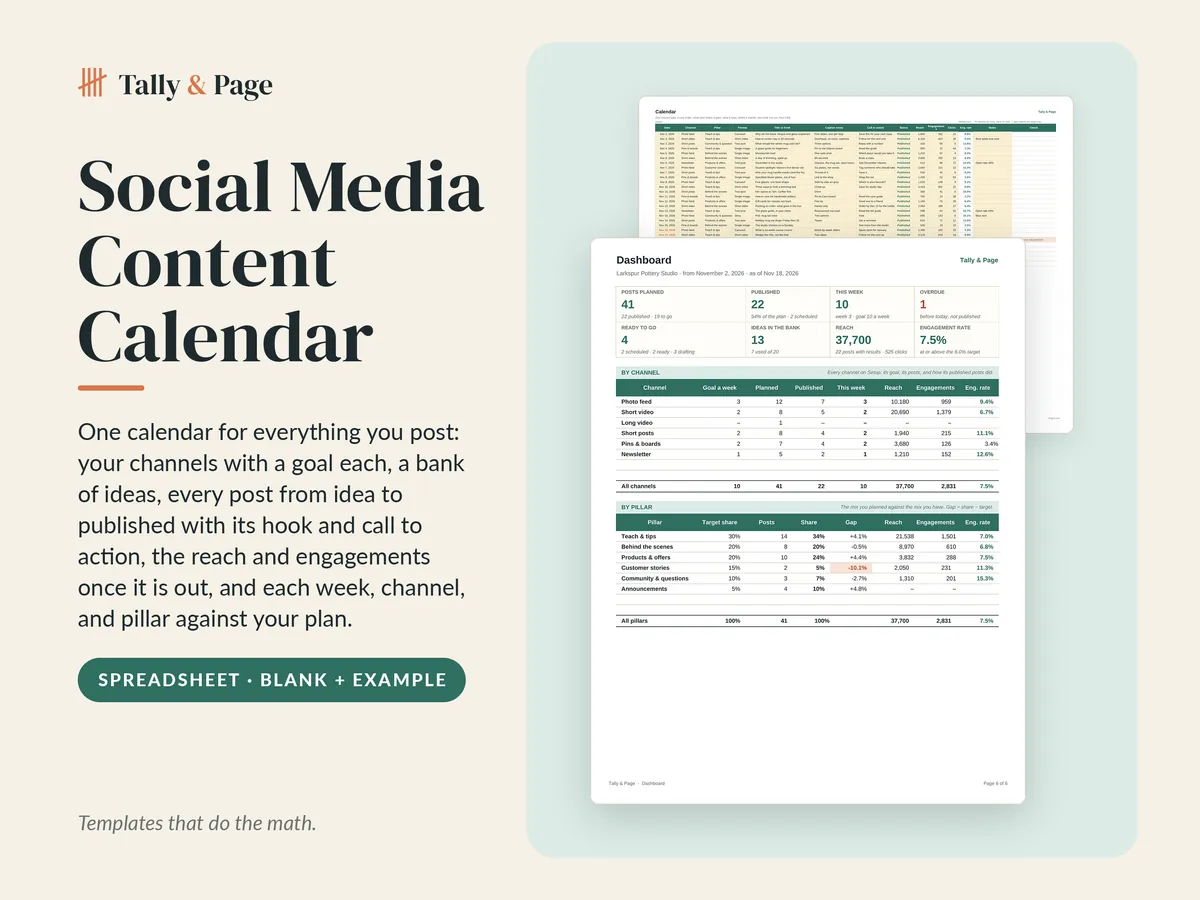
One calendar for everything you post: name your channels with a posting goal each and the mix of content you want, keep ideas in a bank until they are ready, put every post on the calendar with its date, channel, pillar, format, hook, call to action, and a status from idea to published, type the reach, engagements, and clicks once it is out, and the calendar works out each week and month against your goal, what every channel and pillar is getting, what is overdue, what is up next, which posts did best, and the engagement rate of every post, channel, pillar, and format.
- Every post from idea to published, with its hook, call to action, and results
- Each week against your posting goal, by channel, with an idea bank so you never start blank
- Engagement rate on every post, channel, pillar, and format, with the top posts ranked
Instant download after checkout. Sales tax, where it applies, is added at checkout.
- Files
- Blank .xlsx + filled-in example .xlsx
- Made for
- Microsoft Excel and Google Sheets
- Inside
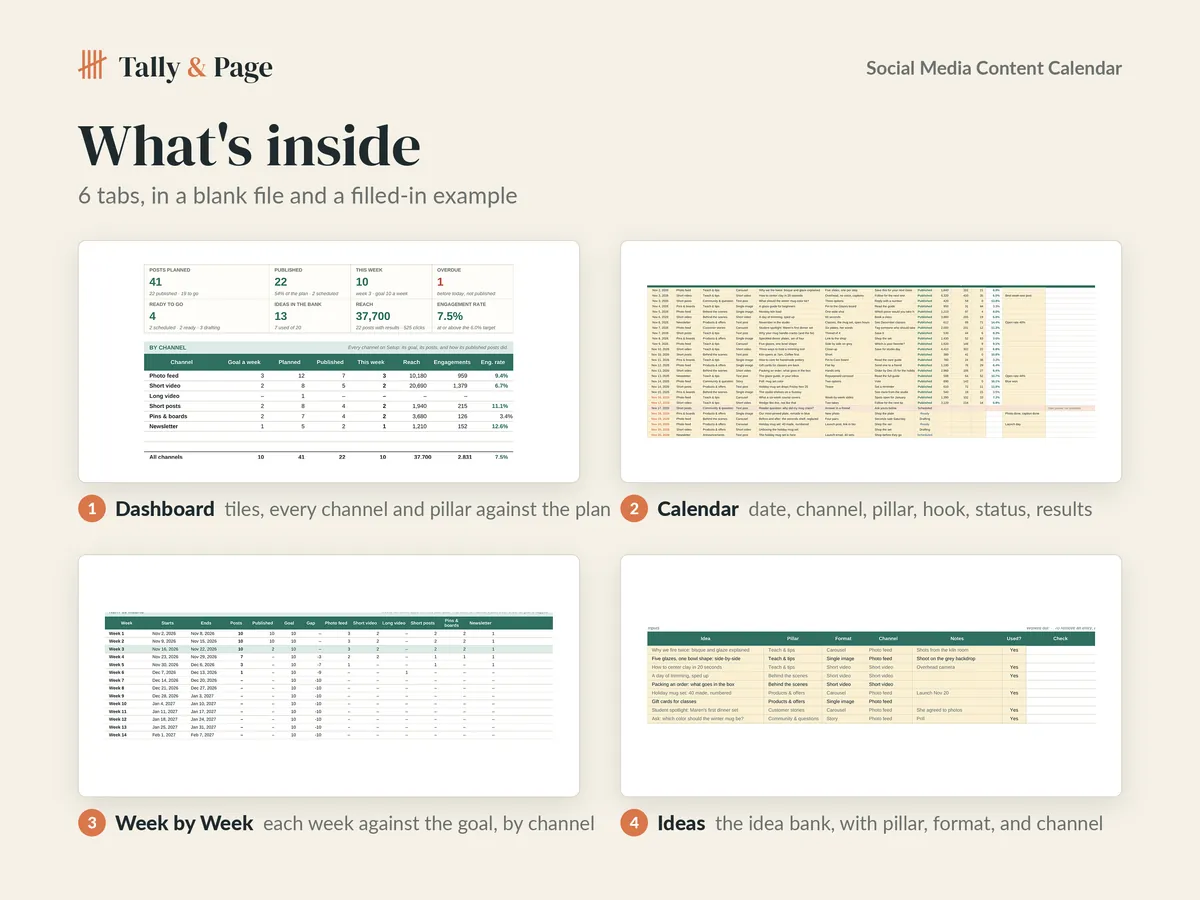
- A Setup tab with the start date, 6 ready-made channels with a posts-a-week goal each, 6 content pillars with a target share each, and 6 formats, an Ideas tab for the idea bank, a Calendar with the date, channel, pillar, format, hook, call to action, status from idea to published, and the reach, engagements, and clicks, a Week by Week tab with 16 weeks and 12 months against the goal, and a dashboard with tiles, every channel, pillar, and format, the next posts up, the top posts, and two charts
Use this file for your own household or business. Do not resell, share, or redistribute the file or any part of it. Designed by Tally & Page with AI-assisted tools.
Features
What it does for you
- Calendar with 250 rows: date, channel, pillar, format, title or hook, caption notes, call to action, status, reach, engagements, clicks, notes
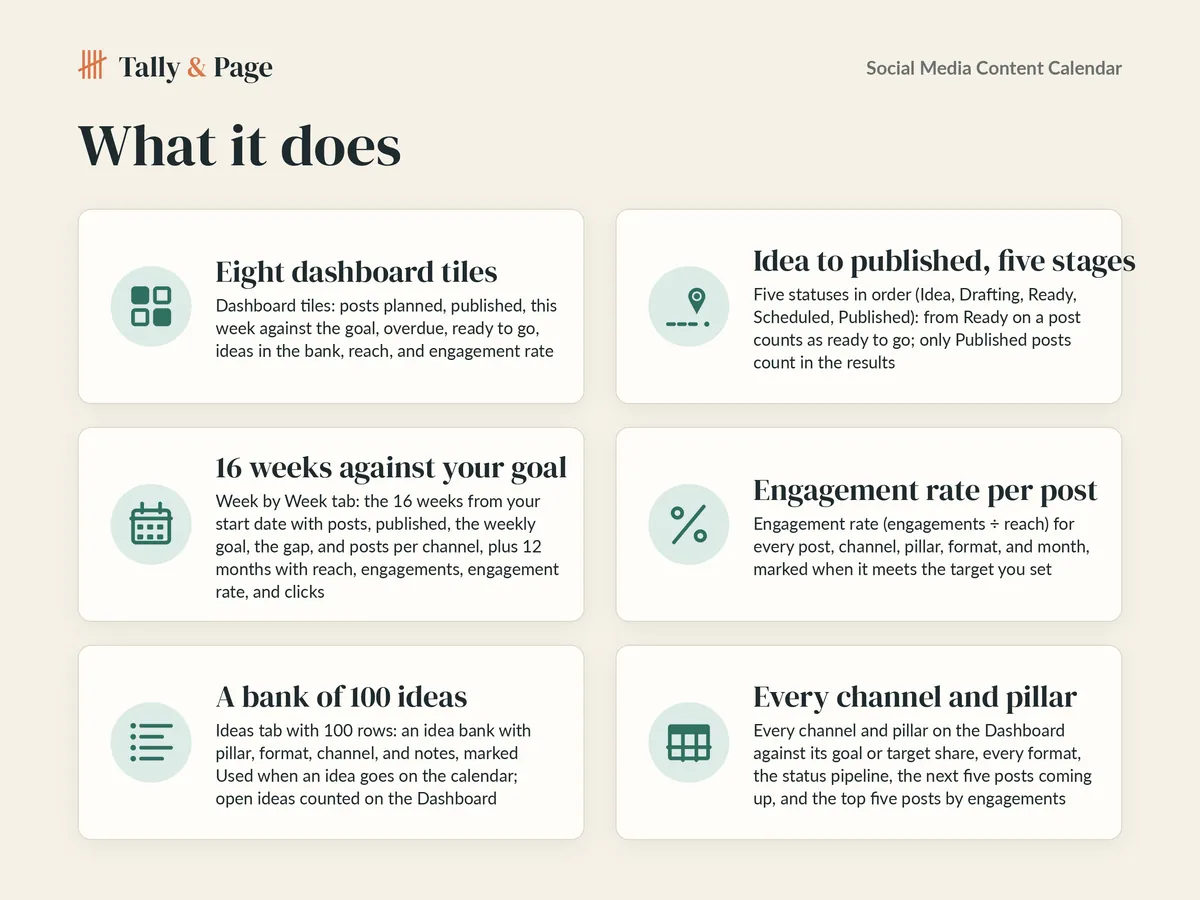
- Five statuses in order (Idea, Drafting, Ready, Scheduled, Published); only Published posts count in the results
- Ideas tab with 100 rows: an idea bank with pillar, format, channel, and notes, marked Used when an idea goes on the calendar
- 8 channels with a posts-a-week goal, 8 pillars with a target share, and 8 formats on Setup (6 ready-made each, renamed freely)
- Week by Week: 16 weeks with posts, published, the goal, the gap, and posts per channel; 12 months with reach, engagements, and clicks
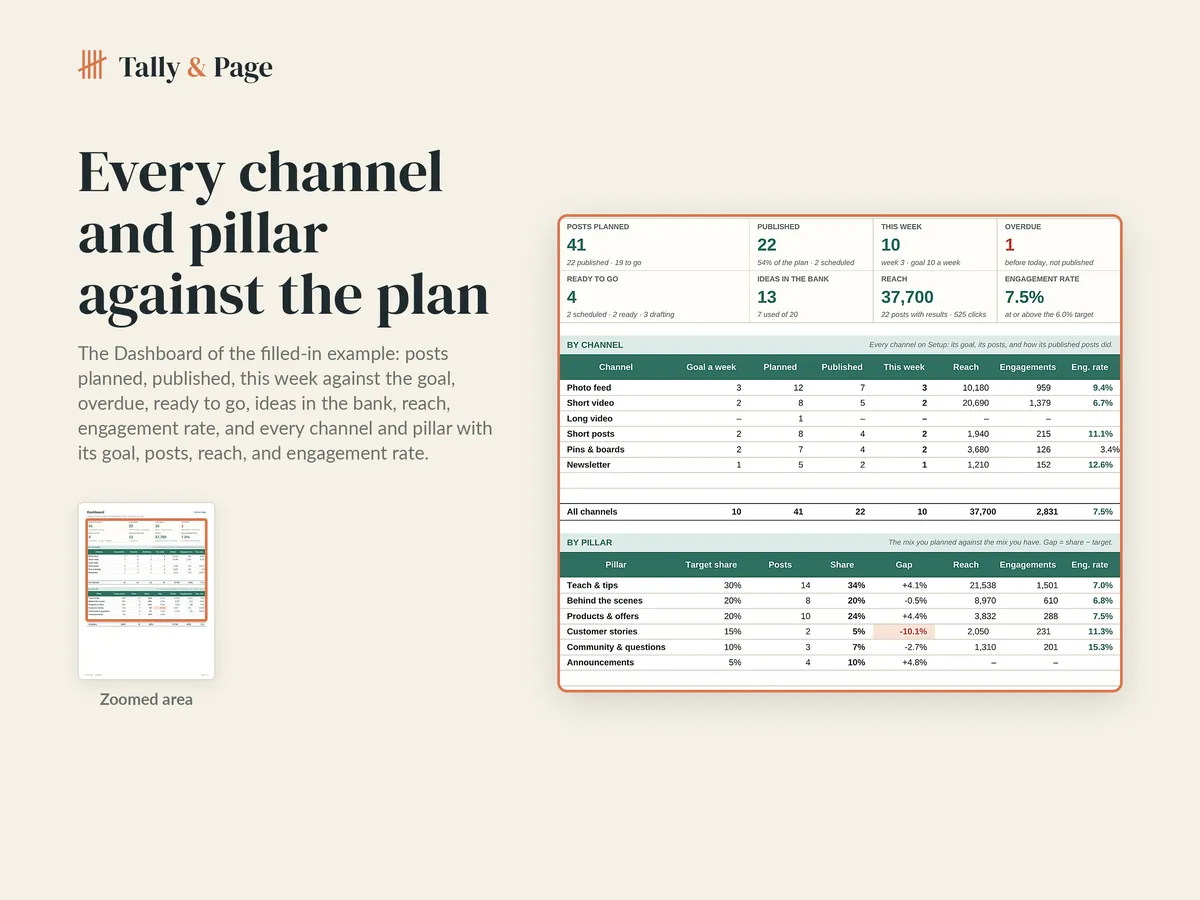
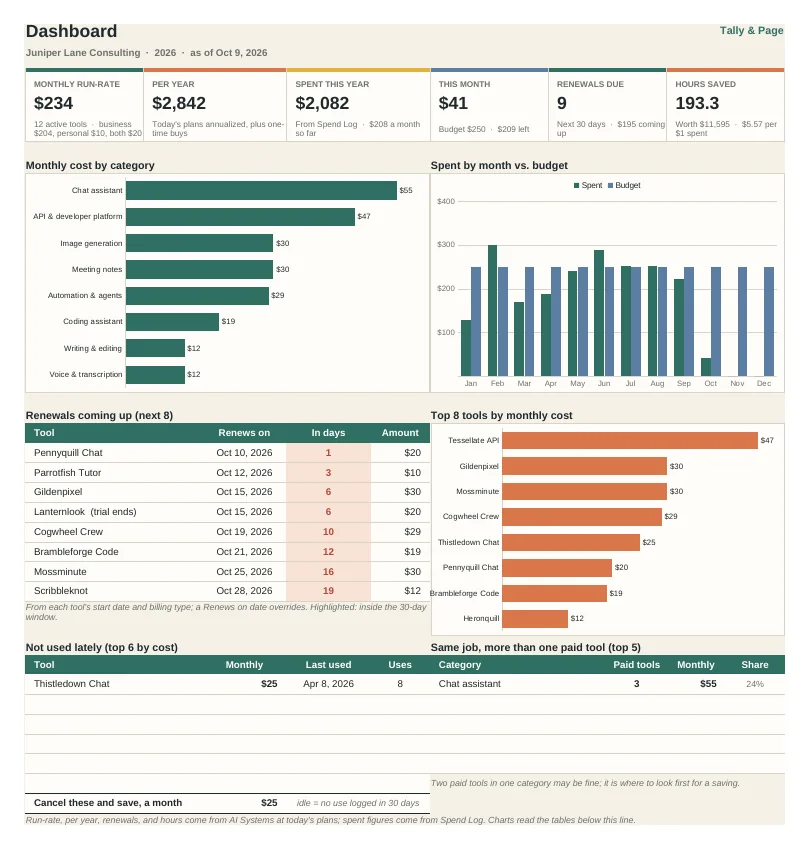
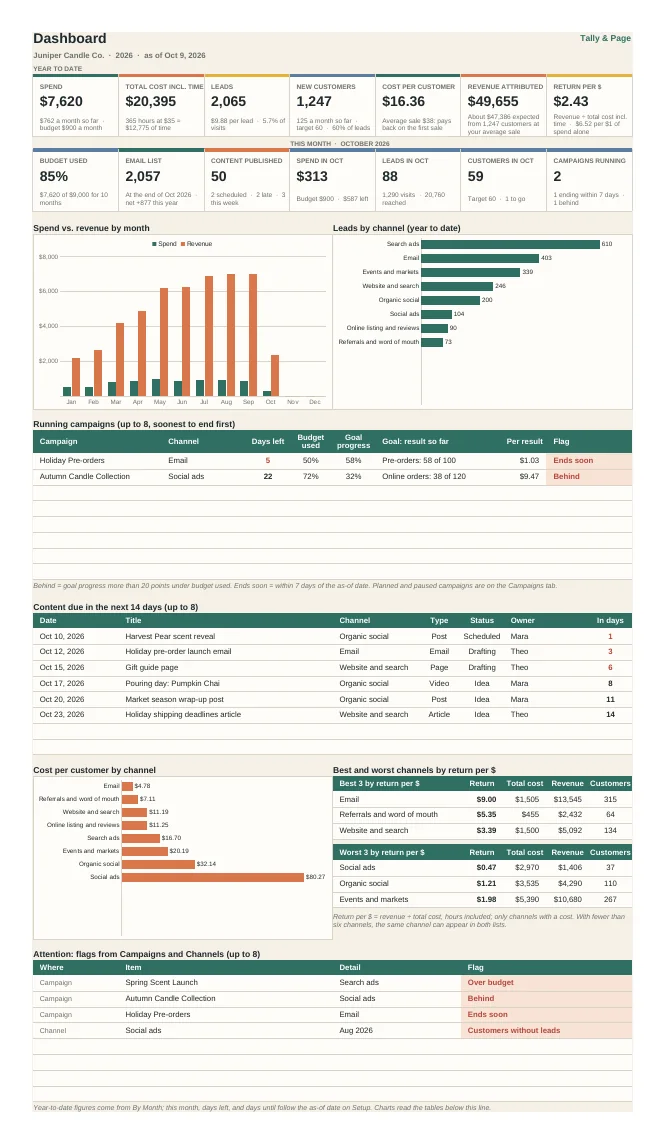
- Dashboard tiles: posts planned, published, this week against the goal, overdue, ready to go, ideas in the bank, reach, engagement rate
- Every channel and pillar against its goal or target, every format, the status pipeline, the next five posts up, and the top five by engagements
- Two charts (posts per week; pillar mix against target); a filled-in example plus a blank file
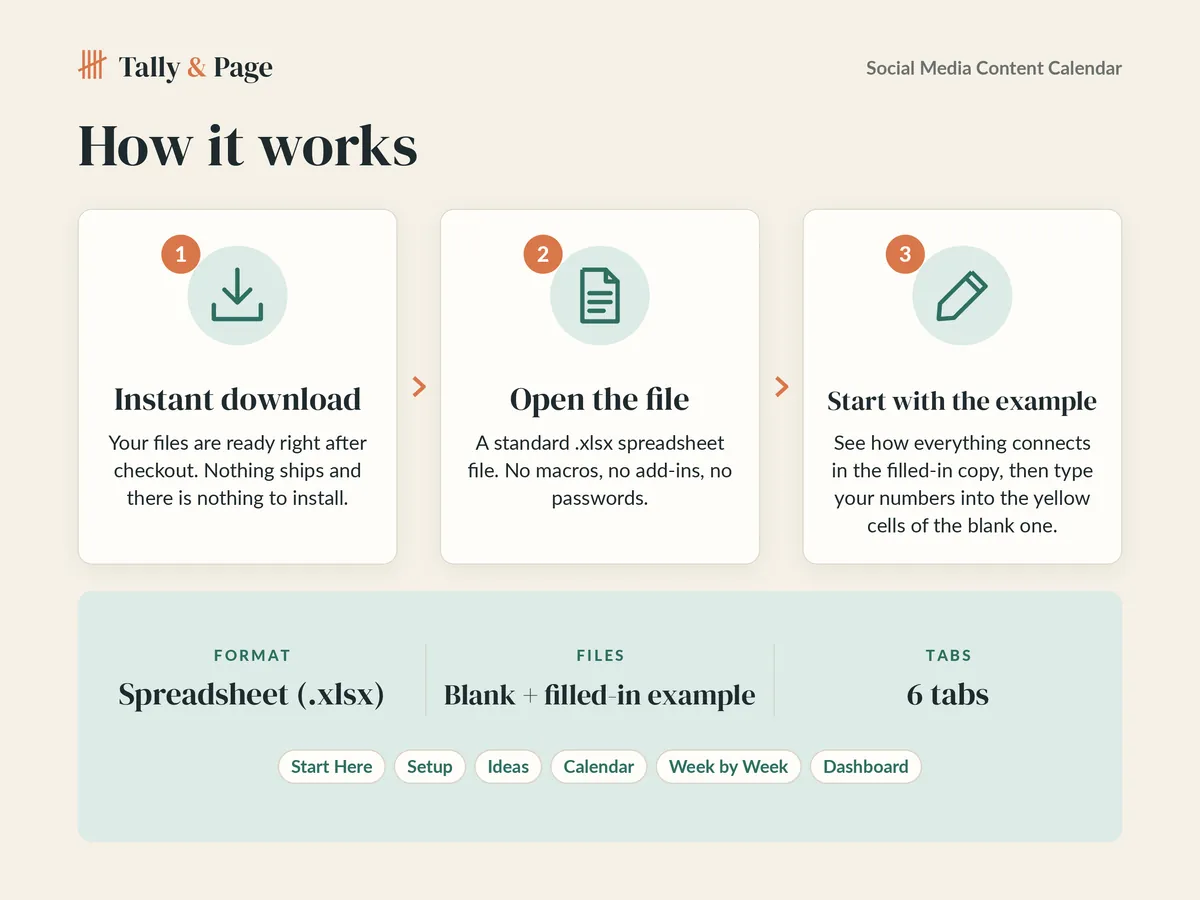
How it works
From checkout to your first entry
-
Buy and download
Your files are ready right after checkout. Nothing ships, and there is nothing to install.
-
Open the file
Open the blank copy in Microsoft Excel or upload it to Google Sheets. There are no macros, add-ins, or passwords.
-
Start with the example
Each spreadsheet comes twice: filled in with sample numbers, and blank. Read the example to see how the parts connect, then type your own numbers into the yellow cells of the blank copy.
More templates
More from Tally & Page
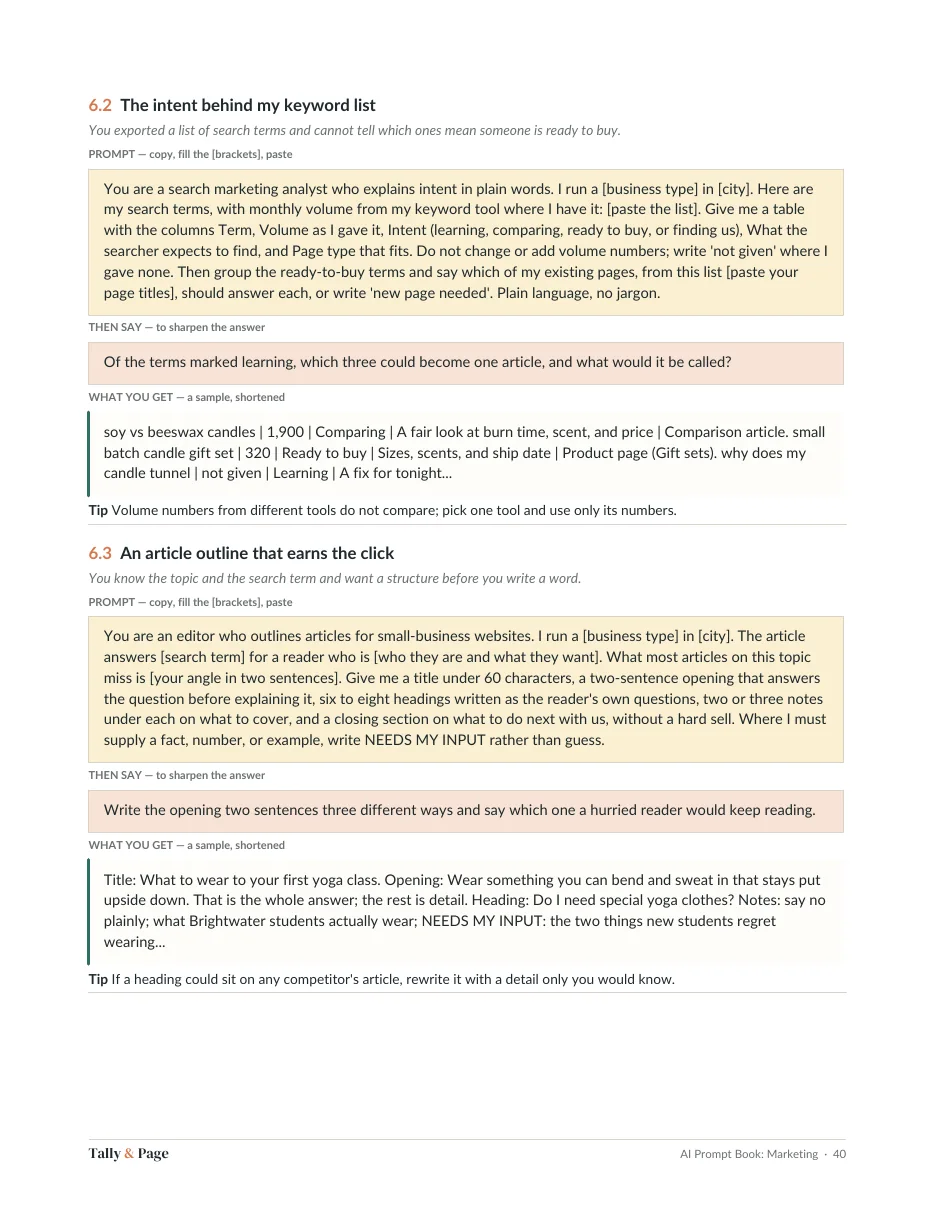
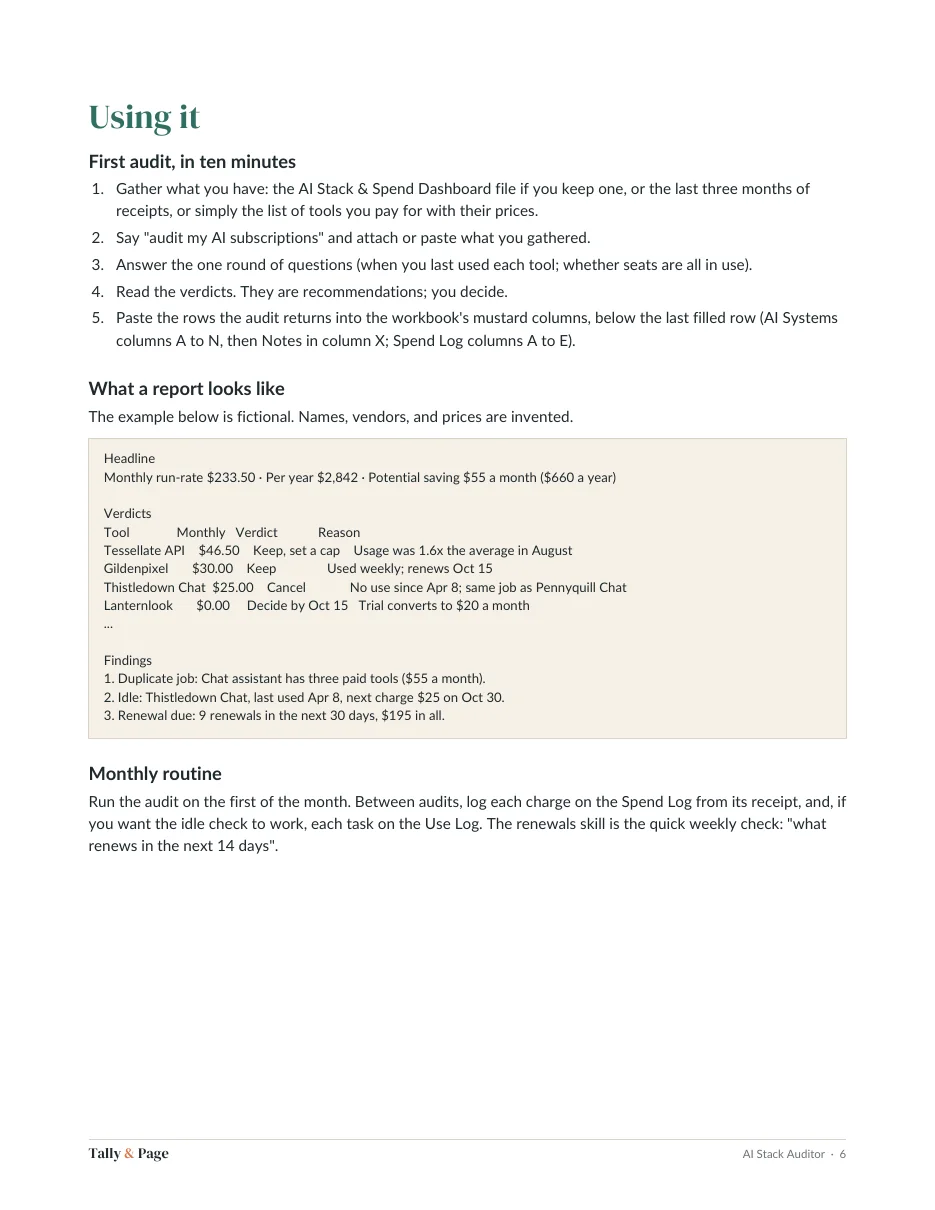
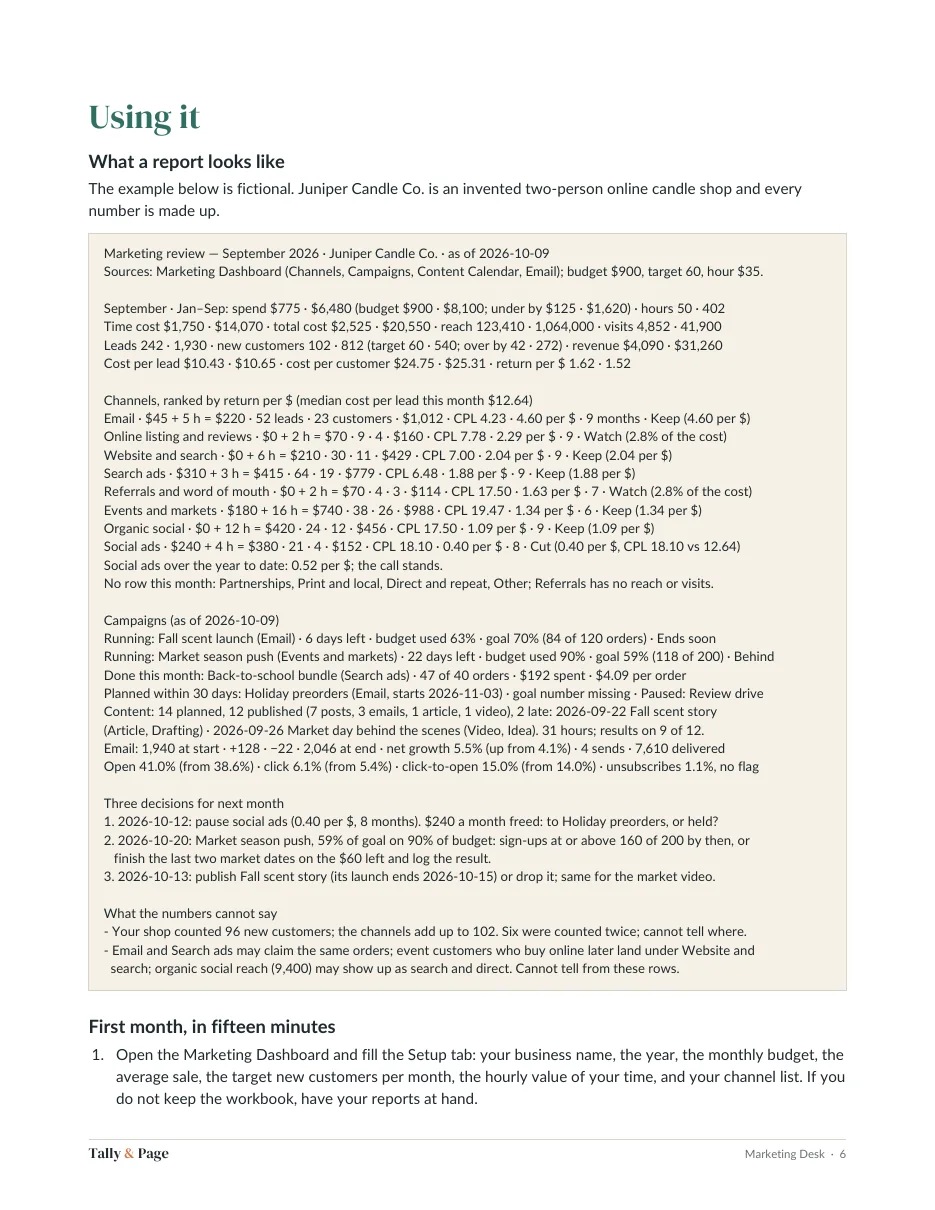
Questions
Before you buy
Is anything shipped to me?
No. Every template is a digital download. Right after checkout you land on your download page; bookmark it to download again later.
Can I use it for my business?
Yes, for your own household or business. Please don't resell, share, or redistribute the files or any part of them.
What if a file doesn't work?
Contact us from your order receipt within 10 days of purchase and describe what you see. We'll send a fixed file, or a refund if we can't make it work as described.
What do I need to use it?
Microsoft Excel and Google Sheets
Is it made with AI?
We design with AI-assisted tools. Before a file is listed, every spreadsheet is recalculated and checked for formula errors, and every link in a planner or guide is tested.
Is this financial, tax, or legal advice?
No. The templates help you organize your own numbers and work. For decisions about taxes, debt, or investments, talk with a qualified professional.